 How-to
Troubleshooting a Smart Thermostat That Won't Heat
Last Updated: November 8, 2026
Quick Summary
When troubleshooting a smart thermostat with no heat, first confirm the mode reads Heat, the set temperature is several degrees above room temperature, and the schedule is correct. If the display shows Heating but no warmth comes out, the heat call is reaching the equipment and the fault lies in the furnace, heat pump, or wiring. A blank screen usually means dead batteries, a tripped breaker, or a loose C-wire.
- A thermostat only calls for heat when the set point is higher than the room temperature.
- On most gas furnaces the inducer motor starts first, then ignition, then the blower within 30-90 seconds.
- Reseat the furnace door firmly because a door safety switch cuts power when it is not fully seated.
- Replace a gray or dust-packed air filter, since a clogged filter chokes airflow and leaves rooms cold.
- Never reset a tripped breaker more than once; a breaker that trips again reports a real fault.
Table of Contents
- Start With the Thermostat: Mode, Set Temperature, and Schedule
- When a Smart Thermostat Says Heating but No Heat Comes Out
- Smart Thermostat Blank Screen and No Power: Batteries, Breakers, and C-Wire
- Thermostat Not Turning On Heat Automatically: Schedule, App, and Connectivity
- Thermostat Not Heating to Set Temperature: Airflow, Heat Pump, and Equipment Checks
- Reading Error Codes and Knowing When to Stop
- Book a Heating Diagnostic With DC Plumbing Heating and Air Conditioning
- Frequently Asked Questions
Start With the Thermostat: Mode, Set Temperature, and Schedule
When troubleshooting a smart thermostat no heat issue, the first place to look is the thermostat itself. Many "no heat" problems trace back to a setting, not a broken part.
A heat call is the signal your thermostat sends to the furnace or heat pump asking for warmth. If that signal never goes out, the equipment sits idle and looks broken when it isn't.
Confirm the thermostat is in Heat mode
Check the mode on the display or in the app. It should read Heat, not Cool, Off, or Auto.
Auto mode trips people up. In Auto, the thermostat picks heating or cooling based on the room temperature, so it may sit in cooling mode on a cold morning.
If the screen shows Heat but nothing happens, move to the next check.
Raise the set temperature above the room temperature
A thermostat only calls for heat when the set temperature is higher than the current room temperature. Bump the set point up several degrees above the inside temperature.
Watch for a small flame icon or a "Heating" label. That confirms the thermostat is asking for heat.
New to smart models? Our guide to the best smart thermostat for home heating covers which units handle scheduling and heat calls most reliably.
When a Smart Thermostat Says Heating but No Heat Comes Out
Here's where the diagnosis splits. A smart thermostat says heating but no heat when the thermostat is calling but the equipment isn't responding. That points to the furnace, heat pump, or the wiring between them, not the thermostat screen. The goal of this section is to prove, in order, whether the heat call is actually reaching the equipment and whether the equipment is accepting it.
Step 1: Confirm the thermostat is really calling for heat
Don't trust the word "Heating" alone. Confirm the call three ways:
- The display or app shows a flame icon, a "Heating" label, or an active stage indicator (Stage 1, Stage 2, Aux).
- The set temperature is at least 2-3°F above the current room temperature.
- The mode is Heat, not Auto or Off.
If any of those is missing, the thermostat is not calling, and the fault is in settings, schedule, or the device itself, not the furnace. Go back to the mode and set-temperature checks before you open the equipment.
Step 2: Verify the call at the equipment
Walk to the furnace or air handler and listen and watch for a sequence, not a single sign:
- Inducer or draft motor starts first on most gas furnaces (a small fan noise near the flue).
- Ignition follows, a click and a flame, or a hot-surface igniter glow.
- Blower fan spins up within 30-90 seconds.
- Warm air reaches the supply vents within a few minutes.
A working heat pump looks different: the outdoor unit runs, the indoor blower runs, and the air at the vents is warm but not hot unless auxiliary heat is staged in.
Where the sequence stops tells you where the fault is:
- Nothing happens at all: the call isn't reaching the equipment (wiring, low-voltage fuse, or thermostat), or the unit is locked out.
- Inducer runs but no ignition: ignition, flame sensor, or gas supply problem.
- Burners light but blower never starts: blower motor, capacitor, or limit switch.
Step 3: Rule out the simple interlocks
Before assuming a part failed, check the cheap stuff:
- Furnace door switch. Many furnaces have a safety switch that cuts power when the door is open or not fully seated. Reseat the door firmly.
- Flame roll-out or manual reset switch. Some units have a manual reset button on the burner compartment. If it has tripped, the unit is telling you something is wrong, do not reset it repeatedly.
- Condensate float switch. A high-efficiency furnace with a clogged condensate drain can trip a float switch and shut down heating. Check the drain and the switch.
Watch out: if you smell gas at any point, stop, leave the area, and call your gas utility or a licensed technician. Do not reset switches or relight anything.
Step 4: Heat-pump-specific checks
If you have a heat pump:
- Auxiliary heat should stage in when the heat pump can't keep up or when the outdoor temperature drops below the balance point. If aux heat never comes on, check the thermostat's aux/emergency heat configuration and the outdoor unit's defrost board.
- Emergency heat runs resistance strips alone. It is slower and more expensive to run, so use it only as a temporary hold, not a permanent setting.
- Defrost mode briefly blows cool air while the outdoor coil clears ice. That is normal. If the unit stays in defrost or ices over repeatedly, the defrost board, sensor, or refrigerant charge is suspect.
Step 5: Decide whether the fault is the thermostat or the equipment
Use this simple decision rule:
- Thermostat is not calling (no flame icon, set point not above room temp, mode wrong): thermostat or settings fault.
- Thermostat is calling but equipment shows no sequence at all: low-voltage wiring, thermostat base, or equipment lockout, check the furnace control board LED next.
- Equipment starts a sequence but stops partway: equipment fault (ignition, flame sensor, pressure switch, limit, blower).
If the system runs but blows cool air, the fault sits deeper in the equipment. Our guide on why your AC is blowing warm air walks through the same diagnostics for heating equipment.
Where the heat sequence stops tells you where the fault is.
| What you observe | Likely cause |
|---|---|
| Nothing happens at all | Call not reaching equipment, or unit locked out |
| Inducer runs but no ignition | Ignition, flame sensor, or gas supply problem |
| Burners light but blower never starts | Blower motor, capacitor, or limit switch |
| Equipment runs but air is cool | Airflow, refrigerant, or reversing-valve issue |
| Outdoor unit not running, indoor blower runs | Disconnect, contactor, capacitor, or low-voltage wiring |
Smart Thermostat Blank Screen and No Power: Batteries, Breakers, and C-Wire
A smart thermostat blank screen no power almost always means one of three things: dead batteries, a tripped breaker, or a loose C-wire. A dark display is your first clue that the thermostat isn't getting power at all.
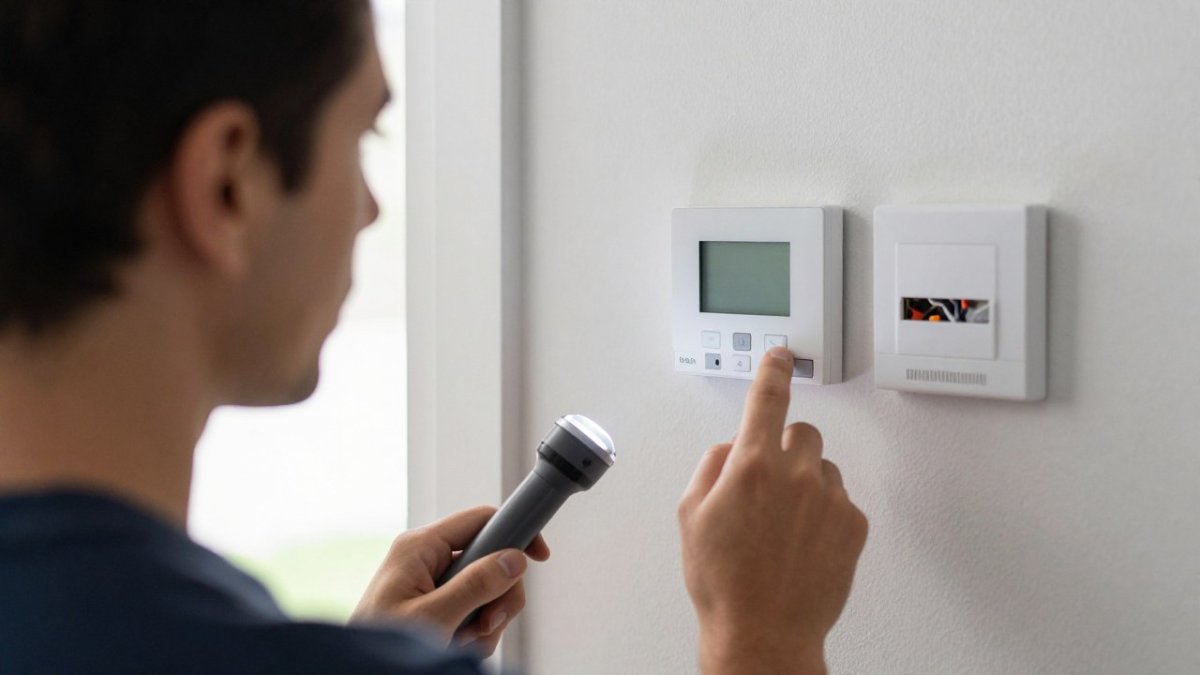
Work through these in order:
- Batteries. Many smart thermostats run on AA or AAA cells. Replace them and check for a low battery warning you may have missed.
- Breaker. Find the HVAC breaker in your panel. If it's tripped, reset it once. Our step-by-step guide on how to safely reset a tripped AC circuit breaker covers the safe way to do it.
- C-wire. The C-wire is the common wire that feeds steady power to a smart thermostat. If it's loose or missing, the device may steal power from other wires and behave erratically.
Watch out: never reset a breaker more than once. A breaker that trips again is reporting a real fault, and repeated resets can damage equipment.
Thermostat Not Turning On Heat Automatically: Schedule, App, and Connectivity
A thermostat not turning on heat automatically usually has a schedule or connection problem behind it. The device works when you tap it but ignores the schedule. That's a settings issue, not a hardware failure.
Check these in the app:
- Schedule: Confirm the heat set points are actually programmed for the times you expect.
- Geofencing: Away mode can hold the heat off when the app thinks nobody is home.
- Internet connection: A dropped Wi-Fi link can freeze the schedule until the thermostat reconnects.
Power-cycle the thermostat and router if the app shows it offline. A simple restart clears most connectivity glitches.
Thermostat Not Heating to Set Temperature: Airflow, Heat Pump, and Equipment Checks
A thermostat not heating to set temperature points to a system that runs but can't keep up.
Start with the air filter. A clogged filter chokes airflow and leaves rooms cold. Replace it if it's gray or packed with dust.
Next, check the air handler and blower. A weak fan moves less warm air. Then look at the heat pump:
- Auxiliary heat should kick in when the heat pump can't keep up
- Emergency heat runs resistance strips alone, which is slower and costlier
- A heat pump in defrost mode blows cool air briefly, which is normal
Older homes often have duct and airflow limits that cap heating performance. Our guide on improving HVAC airflow in an older home explains the common culprits.
Reading Error Codes and Knowing When to Stop
Error codes are the fastest shortcut in the whole process, but only if you read them from the right place. A flashing LED on the furnace control board, a code on the thermostat display, and a code in the app are three different languages. Most generic guides skip that distinction; this section maps symptoms to codes and tells you when to stop.
Where the code lives
- Furnace control board LED. Most gas furnaces flash a pattern (for example, a sequence of short and long flashes) that maps to a fault in the installation manual. Count the flashes, then look up the pattern in your manual, not a generic chart, because patterns vary by brand and model.
- Thermostat display or app. Smart thermostats often show an alert code or a plain-language message ("No power to R wire," "Aux heat running too long"). These usually point to wiring, configuration, or connectivity rather than the furnace itself.
- Air handler or heat pump board. Heat pumps often have a separate board with its own LED and a defrost board code.
Write down the exact code and the equipment model number before you call anyone. That single step saves a diagnostic visit.
Symptom-to-code reference
Use this to narrow the cause before you touch a part:
- Burner lights, then shuts off after a few seconds; code points to flame sensor. The flame sensor is dirty or the sensing rod is not proving flame. A qualified technician cleans or replaces it.
- Inducer runs, no ignition, code points to pressure switch. A blocked flue, clogged intake, condensate trap, or failed pressure switch. Check for obstructions and a full condensate trap first.
- Short cycle with a limit-switch code. Restricted airflow, clogged filter, blocked return, or failing blower. Replace the filter and confirm returns are open before assuming the switch failed.
Stop-work conditions
Turn the system off at the thermostat and the breaker, and call a licensed technician, if any of these are true:
- You smell gas, or you see soot, scorch marks, or a yellow, lazy flame instead of a blue one.
- The breaker trips again after a single reset.
- A rollout or manual reset switch has tripped.
Watch out: never bypass a safety switch, jumper a limit, or reset a tripped breaker more than once to "see if it holds." Those switches exist to prevent fire and carbon monoxide hazards, and defeating them is how small faults become dangerous ones.
If you can read the code but not trace it, that is the point to book a diagnostic, not to start swapping parts.
Book a Heating Diagnostic With DC Plumbing Heating and Air Conditioning
If you've worked through the checks and the heat still won't come on, the fault is likely inside the equipment.
At DC Plumbing Heating and Air Conditioning, our licensed technicians serve San Clemente and South Orange County.
Skip the guesswork. Book a heating repair visit and get a clear answer on what's wrong and what it takes to fix it.
When the heat won't come on and you've run out of safe checks, don't keep resetting breakers or guessing at wiring.
Frequently Asked Questions
Why is my thermostat turning on but no heat is coming out?
A thermostat that powers on but produces no heat usually has a mode, set-point, or scheduling problem, or the heating equipment is not receiving the heat call. Confirm the mode is Heat, raise the set temperature at least 2 degrees above the room reading, and check the breaker and system power switch. If the fan runs but the air stays cold, the issue is likely in the furnace, heat pump, or air handler and needs a technician.
Why does my smart thermostat say heating but no heat comes out?
A smart thermostat says heating when it has closed the heat call, but that signal can be lost at the equipment. Check the furnace door safety switch, the breaker, and the system power switch. On a heat pump, confirm auxiliary or emergency heat is not locked out. If the blower runs and the air stays cool, the fault is in the heating equipment, not the display, and a licensed technician should test the ignition, flame sensor, and control board.
How can I tell whether the problem is the thermostat or the heating system?
Listen and watch at the equipment. If the thermostat clicks and the furnace inducer or burner starts but no warm air reaches the rooms, the thermostat is working and the fault is in the heating system. If the thermostat never clicks, shows a blank screen, or reports a wiring error, the thermostat or its power supply is the likely cause. A voltage check at the thermostat terminals confirms a heat call before you call for service.
When should I call an HVAC technician for a thermostat that is not heating?
Call a technician when the thermostat shows a blank screen after a battery and breaker check, when you smell gas or see soot, when the furnace repeatedly locks out, or when the heat pump runs in emergency heat only. Also call if you are uncomfortable testing wiring. A licensed technician can verify the C-wire, test the control board, and confirm whether the thermostat is compatible with your system before replacing parts.